
Contents
# Crawling, Not Scraping
People often confuse web scraping with web crawling, but they are not the same thing. Web scraping usually means extracting content from a specific page. You give the tool a URL, and it returns the content from that page in a cleaner format. Web crawling goes further. You give the tool a starting URL, and it follows links across that site to collect content from related pages as well. This is useful when you want to extract documentation, product pages, blog posts, help-center articles, or any other content spread across multiple pages.
Modern web crawling is also becoming more AI-native. Instead of only crawling links and returning raw HTML, many tools now support prompts, structured extraction, Markdown output, JSON schemas, search, screenshots, and agent integrations. This means you can ask for specific information from an entire website and get back cleaner data that is ready for retrieval-augmented generation (RAG) pipelines, research agents, analytics workflows, and AI applications.
Let’s take a look at the seven best web crawling tools and APIs in 2026, including managed APIs, AI-native extraction tools, and open-source crawling frameworks.
# 1. Olostep
Olostep is my top pick because its Crawling API can start from one URL, follow connected subpages, and return clean content for AI applications. Instead of scraping pages one by one, you can crawl a full website and prepare the data for RAG, research, monitoring, or structured extraction workflows.
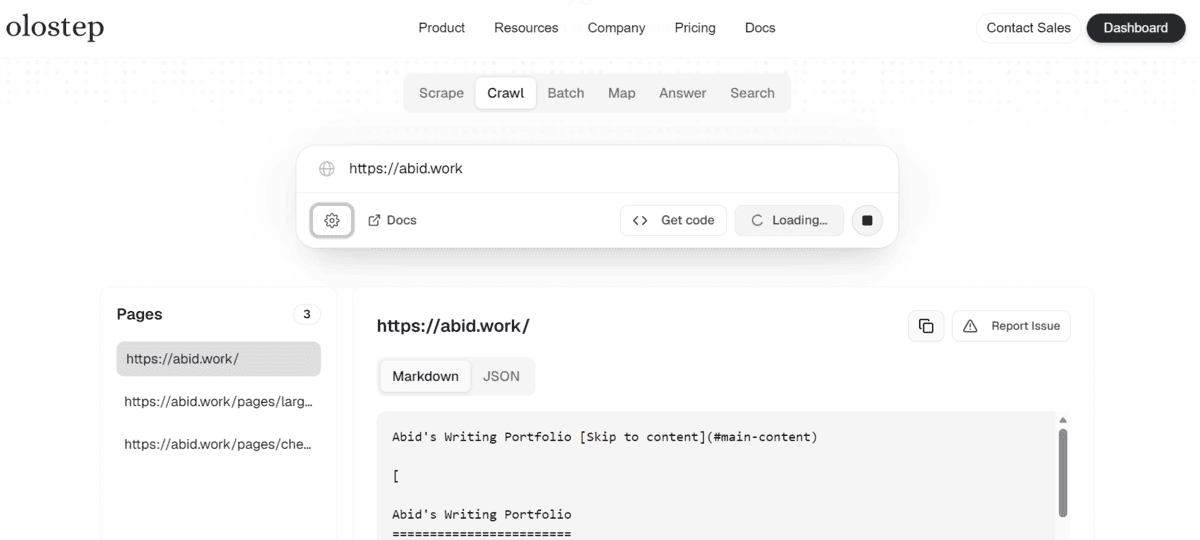
Screenshot from Olostep Playground
In my comparison with Firecrawl, Exa, and other simple API providers, Olostep stood out as the cheapest, fastest, and most accurate option for web crawling. It is especially useful for documentation, blogs, product pages, help centers, company sites, and knowledge bases where useful information is spread across multiple pages.
Olostep also provides model context protocol (MCP) servers, agent skills, and a CLI, making it easy to connect with coding agents and developer tools such as Claude Code, Cursor, Windsurf, VS Code, and other agentic workflows.
Best for: Affordable full-site crawling, research agents, RAG pipelines, structured extraction, and scalable web-data workflows.
# 2. Firecrawl
Firecrawl is one of the best-known crawling APIs in the AI space. It is popular because it makes website crawling simple: you give it a starting URL, and it can crawl the connected pages and return clean content that is ready to use in large language model (LLM) apps.
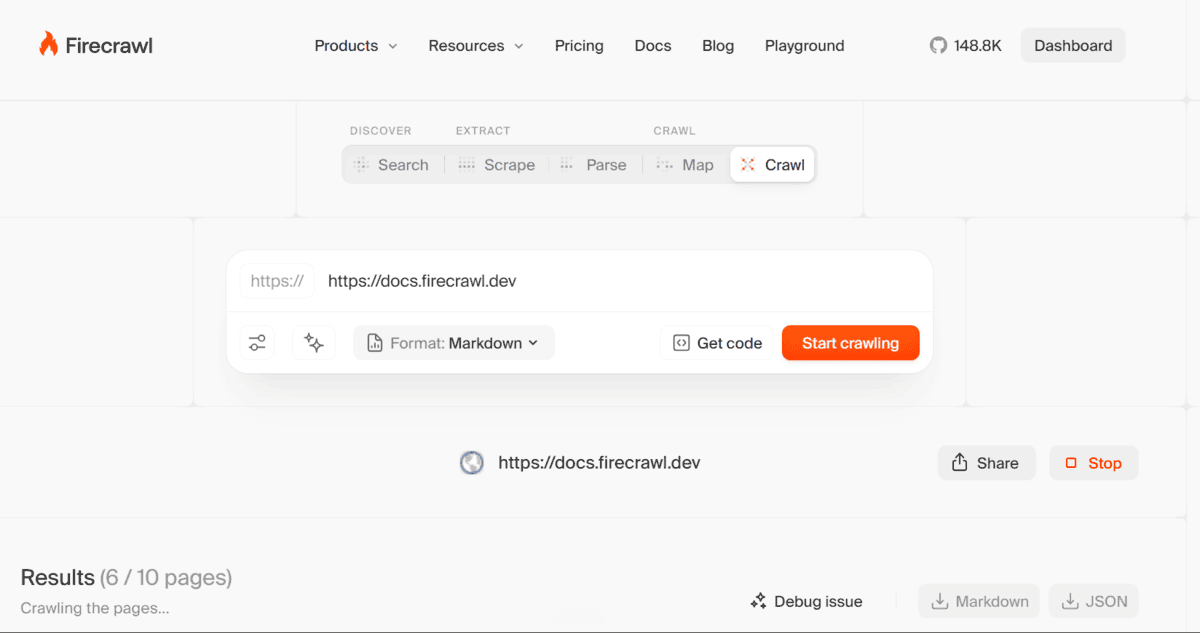
Screenshot from Firecrawl
This is useful when you want to collect content from documentation sites, blogs, help centers, product pages, or knowledge bases without building your own crawler. The output is clean, which makes it easy to use for RAG pipelines, AI agents, and internal search tools.
For me, Firecrawl and Olostep are very close. Olostep was cheaper in my tests, but Firecrawl also performed really well. In some cases, it was faster or more accurate depending on the website and crawling task.
Best for: Documentation crawling, clean Markdown, RAG pipelines, AI agents, and LLM-ready website content.
# 3. ScrapeGraphAI
ScrapeGraphAI is a strong option if you want an open-source crawling and scraping tool that you can run locally. It uses LLMs and graph-based logic to extract data from websites and local files such as HTML, XML, JSON, and Markdown.
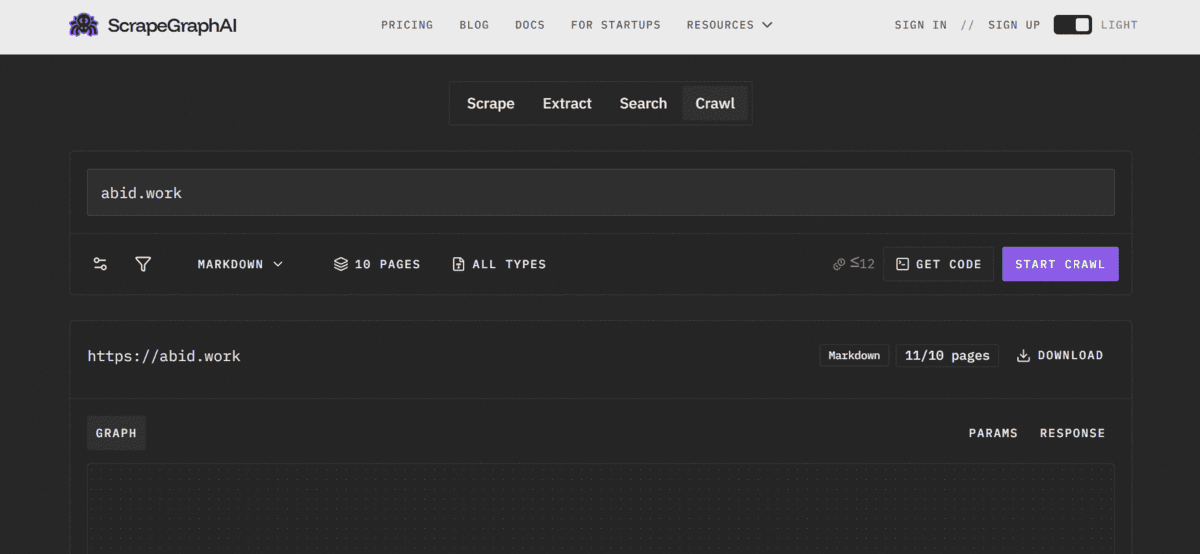
Screenshot from ScrapeGraphAI Playground
The main tradeoff is setup. You need to bring your own LLM, either through APIs like OpenAI, Groq, Azure, or Gemini, or by running a local model with Ollama. That gives you more control, but it also means more configuration than managed tools like Olostep or Firecrawl.
ScrapeGraphAI also has a CLI that supports scraping, extraction, search, multi-page crawling, and monitoring, which makes it useful for local AI-agent workflows.
Best for: Open-source crawling, local AI scraping, prompt-based extraction, structured JSON, and custom pipelines.
# 4. Scrapling
Scrapling is a proper open-source crawling framework for Python. It can handle anything from a single page request to a full-scale crawl, making it a good replacement for heavier managed platforms when you want more control.
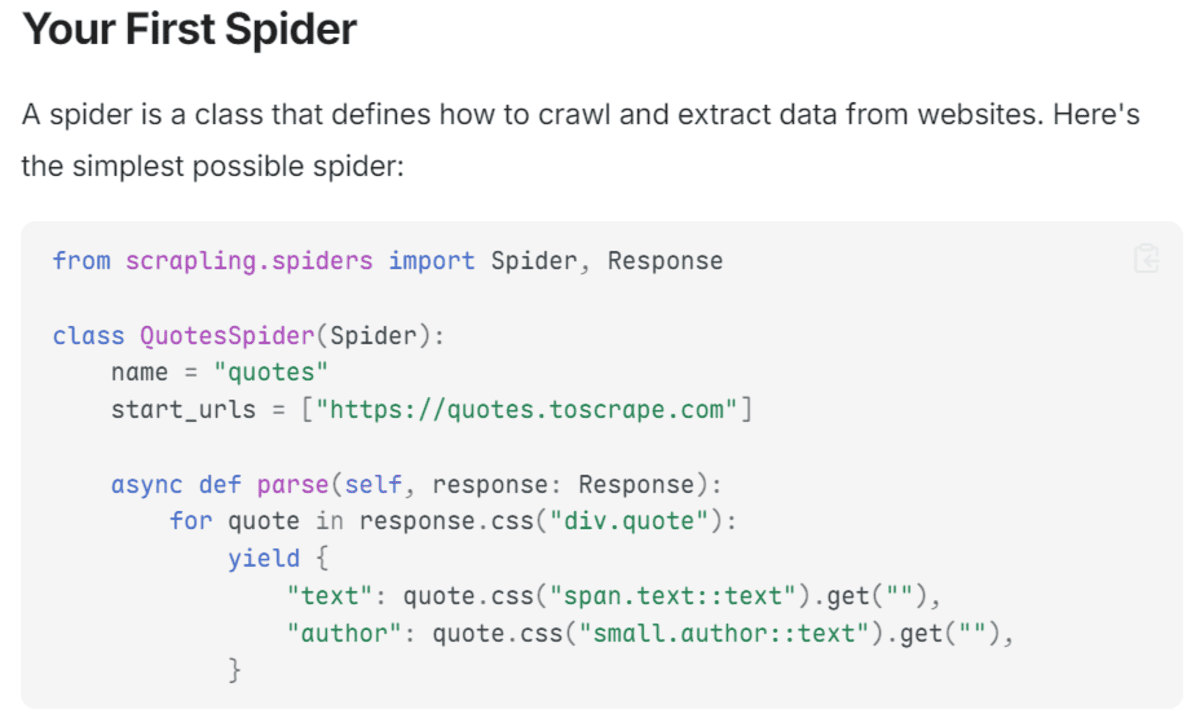
Screenshot from Getting started – Scrapling
What makes Scrapling interesting is its adaptive parser. It can learn from page changes and relocate elements when a website layout changes, which makes crawlers less brittle over time. It also includes fetchers, a spider framework, concurrent crawling, pause and resume support, and automatic proxy rotation.
The tradeoff is that you need to run and manage it yourself. But if you want a flexible Python framework for crawling modern websites, Scrapling is a strong option.
Best for: Python crawling frameworks, adaptive scraping, full-site crawling, spider workflows, and self-managed web-data pipelines.
# 5. Crawl4AI
Crawl4AI is a strong choice if you want a free, open-source crawler that you can run yourself. It is built for AI workflows and can turn websites into clean, LLM-ready Markdown for RAG, agents, and data pipelines.
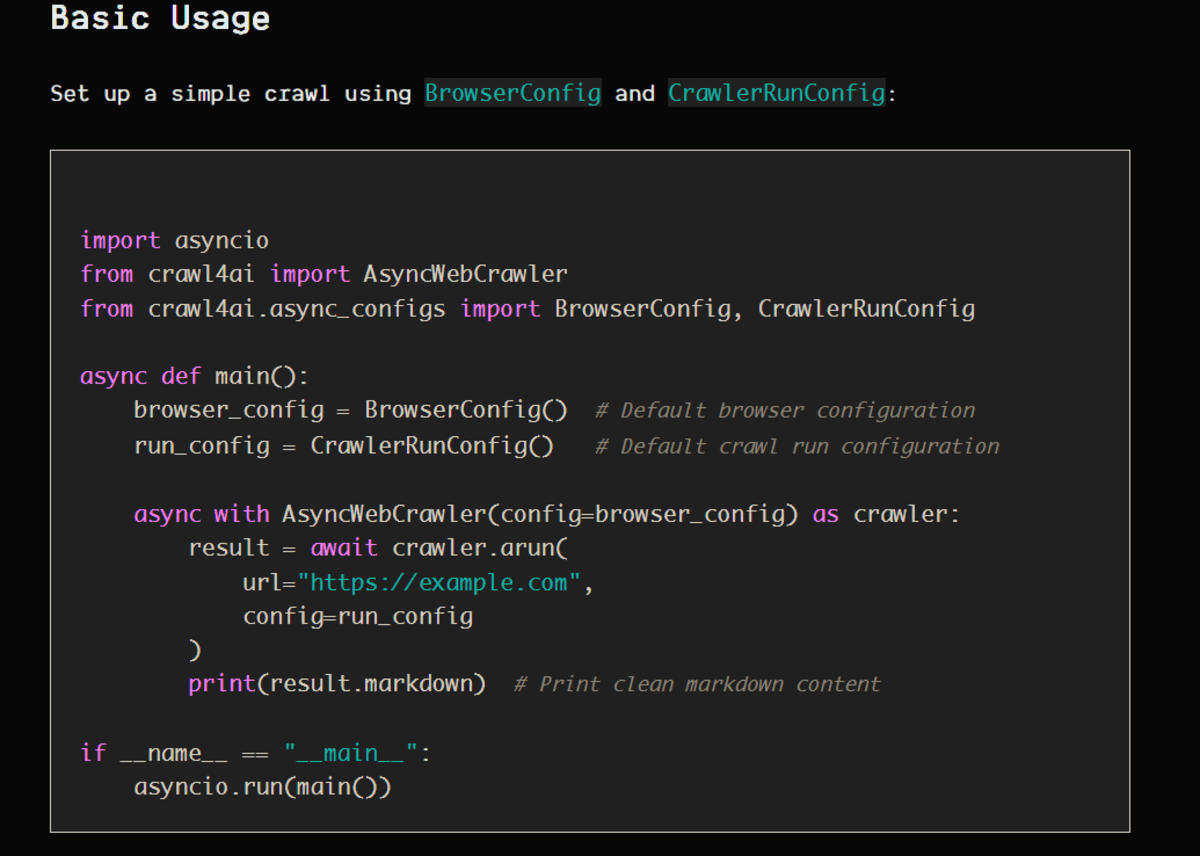
Screenshot from Simple Crawling
It gives you more control than managed tools like Olostep or Firecrawl. You can handle browser rendering, parallel crawling, proxies, sessions, and structured extraction using CSS, XPath, or LLM-based methods.
The tradeoff is that you need to manage the setup yourself, including deployment, scaling, retries, and site-specific issues. But if you want a self-hosted crawler for AI apps, Crawl4AI is one of the best open-source options.
Best for: Self-hosted crawling, LLM-ready Markdown, RAG pipelines, AI agents, and custom extraction workflows.
# 6. Scrapy
Scrapy is one of the most mature open-source crawling frameworks for Python. It is built for crawling websites and extracting structured data, giving developers full control over spiders, requests, parsing, retries, exports, and pipelines.
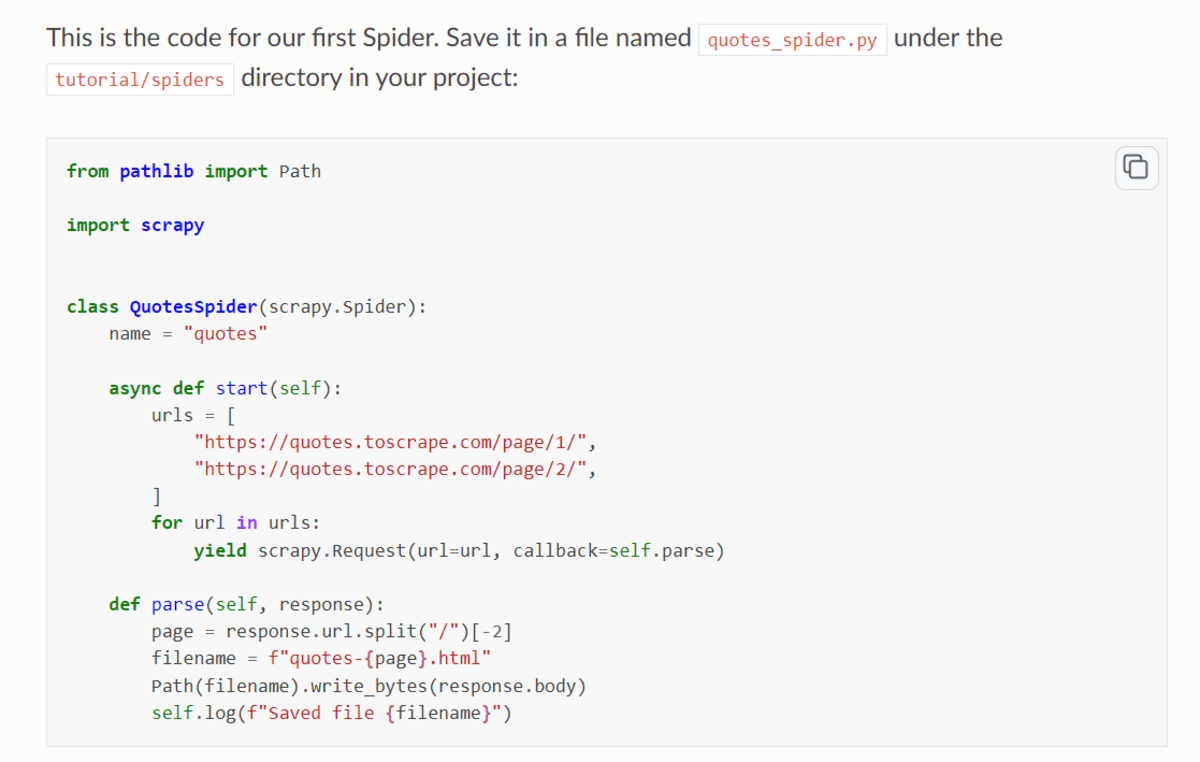
Screenshot from Scrapy Tutorial
It is a great choice when you need a custom crawler for websites with repeatable patterns. The tradeoff is that Scrapy is not AI-native by default, so you need to add your own LLM layer if you want clean Markdown, prompt-based extraction, or RAG-ready output.
Best for: Custom Python crawlers, structured extraction, large-scale crawling, production data pipelines, and teams that need full control.
# 7. Crawlee
Crawlee is a good open-source option if you want to build your own crawler in JavaScript, TypeScript, or Python. It handles the common crawling problems for you, such as link discovery, request queues, retries, proxies, browser automation, and storage.
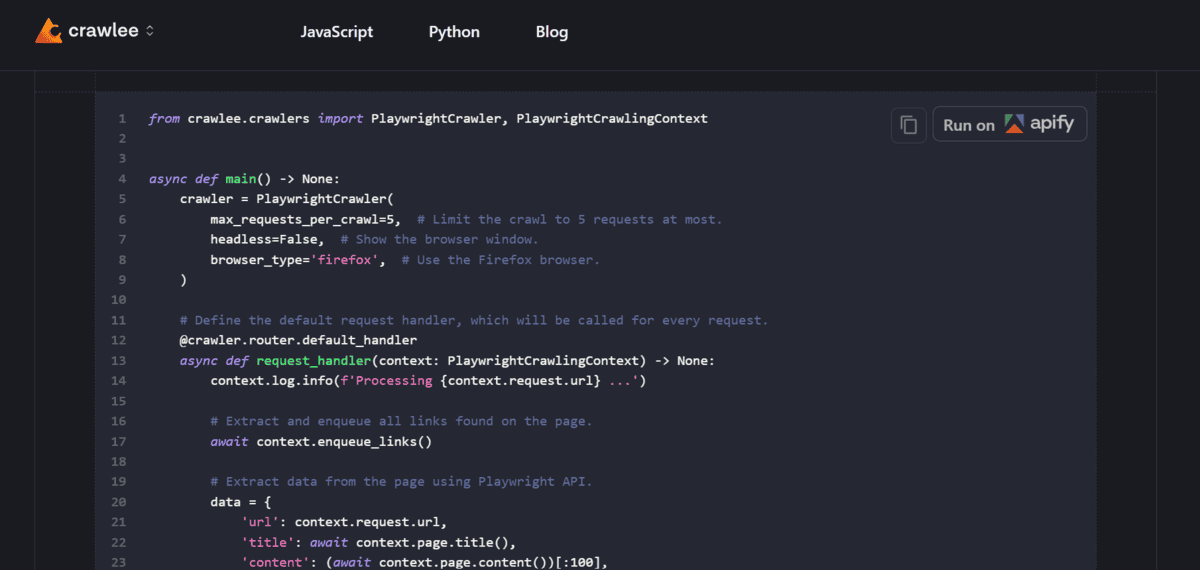
Screenshot from Crawlee · Build reliable crawlers. Fast.
It is best when you want more control than a simple crawling API, but do not want to start from scratch. Crawlee works well for custom website crawlers, browser-rendered pages, and self-hosted workflows where your team wants to own the code and infrastructure.
The tradeoff is that it is still a developer framework, not a plug-and-play AI crawling API. You need to build and manage the crawler yourself, but you get a lot of flexibility in return.
Best for: Custom crawlers, JavaScript and Python teams, browser-based crawling, self-hosted workflows, and scalable web-data pipelines.
# Final Thoughts
For me, the best tool depends on how much control you need and how much setup you are willing to manage. Olostep is my top pick for affordable, fast, and accurate crawling with simple agent integrations. Firecrawl is very close and works really well when you want clean, LLM-ready content for RAG and AI apps.
ScrapeGraphAI is a great choice if you want an open-source tool that can run locally with your own LLM setup. Scrapling is best when you want a proper Python crawling framework with adaptive parsing and more control over modern websites. Crawl4AI is ideal for self-hosted AI crawling, while Scrapy is still one of the strongest options for custom Python crawlers. Crawlee is a good modern choice for JavaScript, TypeScript, and Python teams that want more control over their crawling stack.
In the end, features matter, but ease of use, price, speed, and accuracy matter more. The best crawling tool is the one that gets you clean website data quickly without making your workflow harder than it needs to be.
Abid Ali Awan (@1abidaliawan) is a certified data scientist professional who loves building machine learning models. Currently, he is focusing on content creation and writing technical blogs on machine learning and data science technologies. Abid holds a Master’s degree in technology management and a bachelor’s degree in telecommunication engineering. His vision is to build an AI product using a graph neural network for students struggling with mental illness.